HappyDay: less deciding, more living.
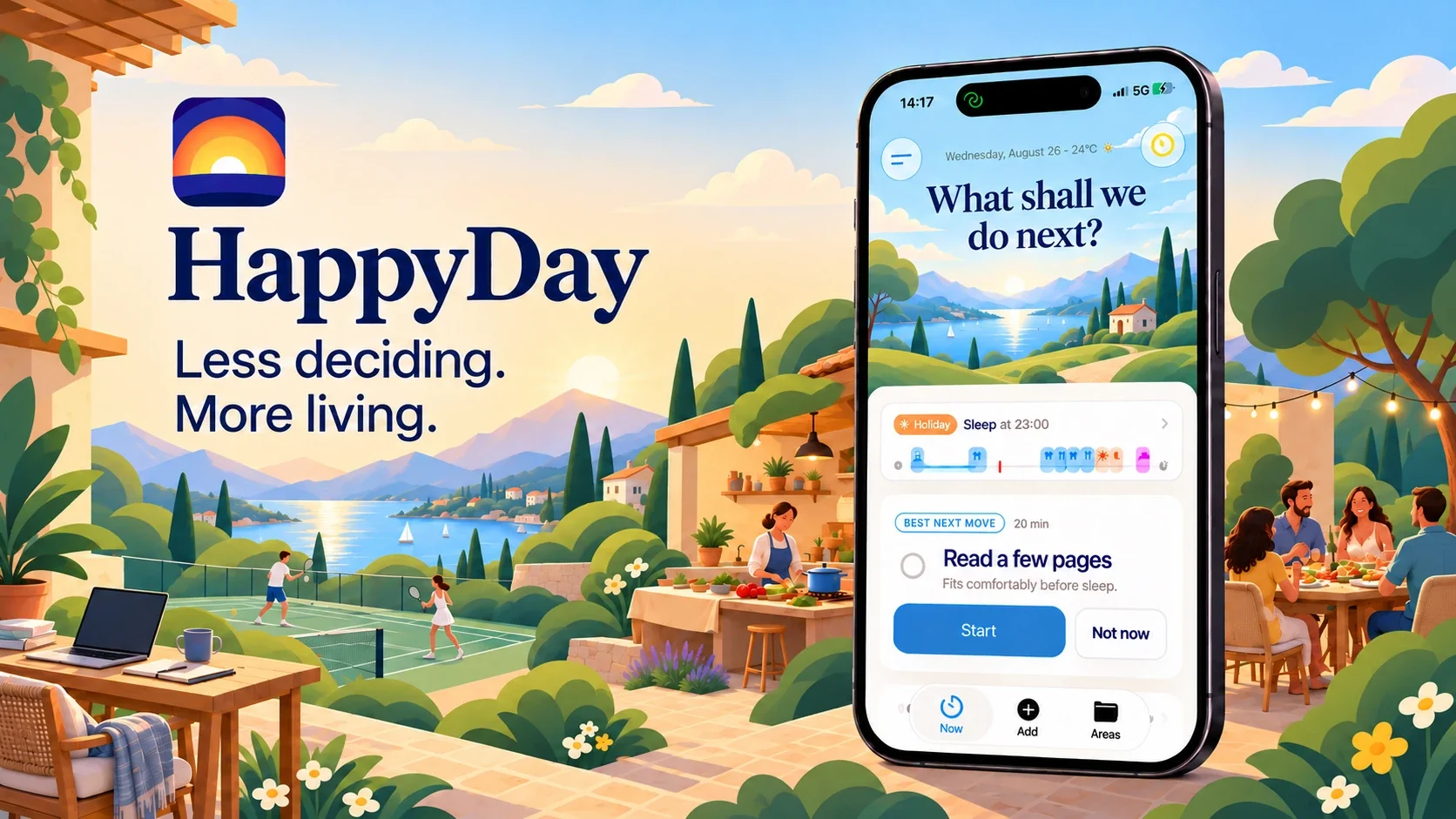
01 — HappyDay
HappyDay keeps track of what you want to do, for work and for fun. Looking for inspiration? Find ideas from your own list that fit the moment, based on your available time, the day of the week and even the weather. All you need to decide is what you feel like doing.
Download on the App Store- Role
- Designer & engineer
- Period
- 2021 – present
- Platform
- iOS · watchOS · macOS · Android
- Status
- Version 2.5 · App Store
What HappyDay does
Everything you want to do, at the right moment.
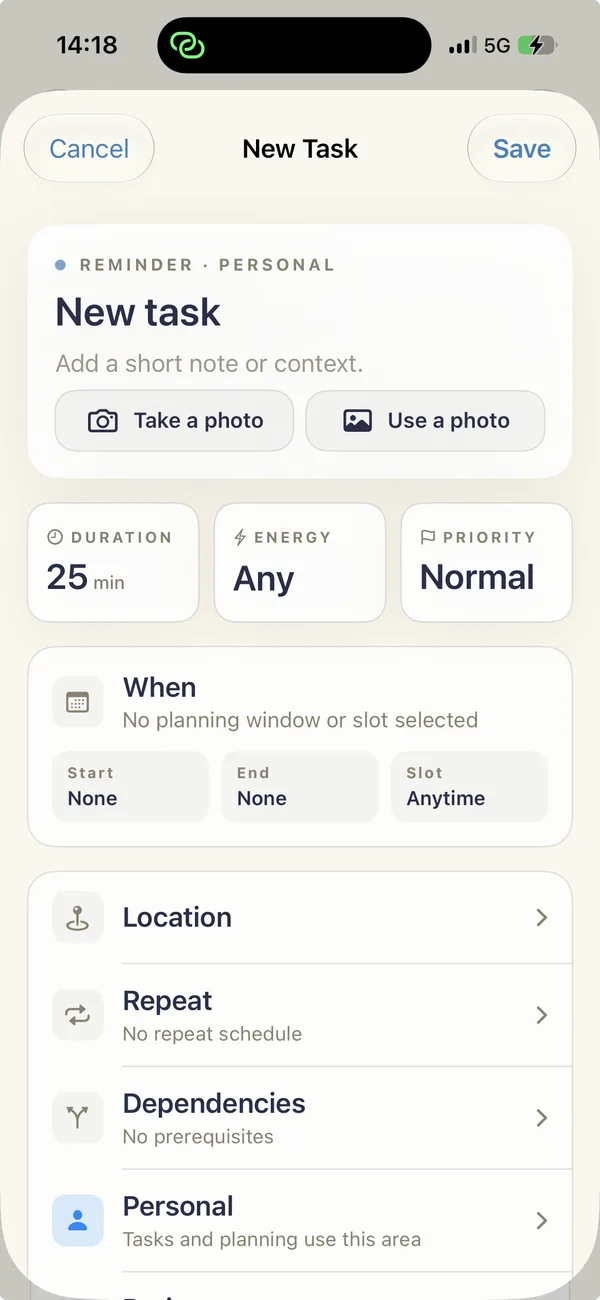
Work, exercise, seeing friends, that book you've been meaning to read for months: everything lives in one place, organised by areas of your life. Got an hour free? HappyDay shows what fits right now.
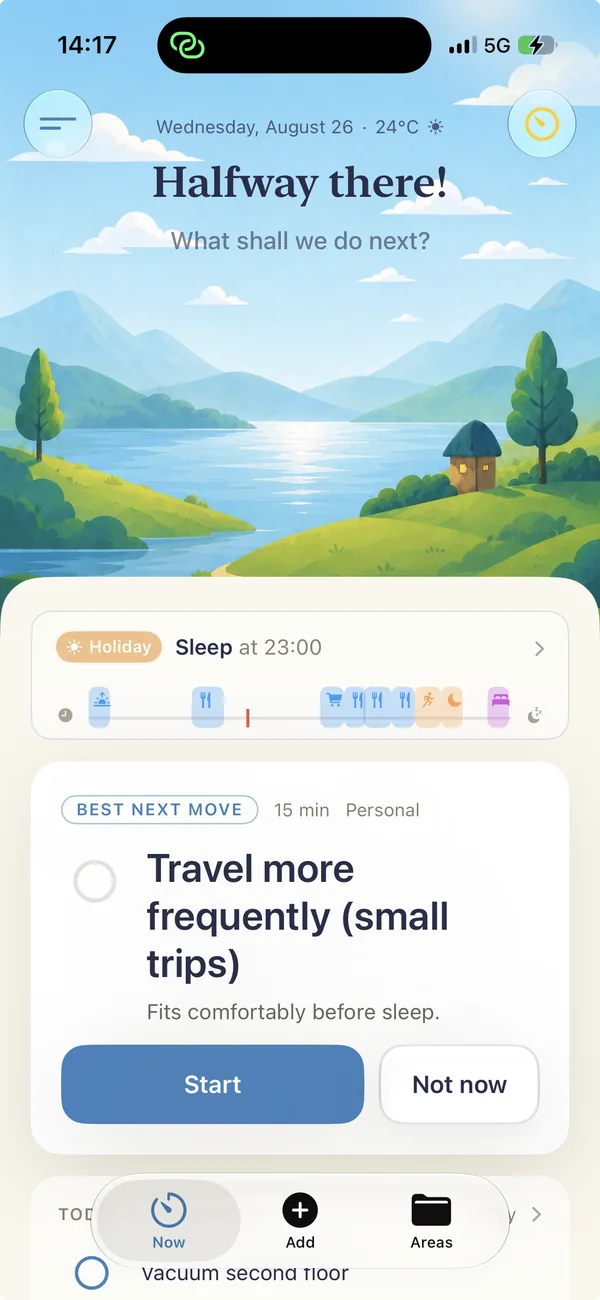
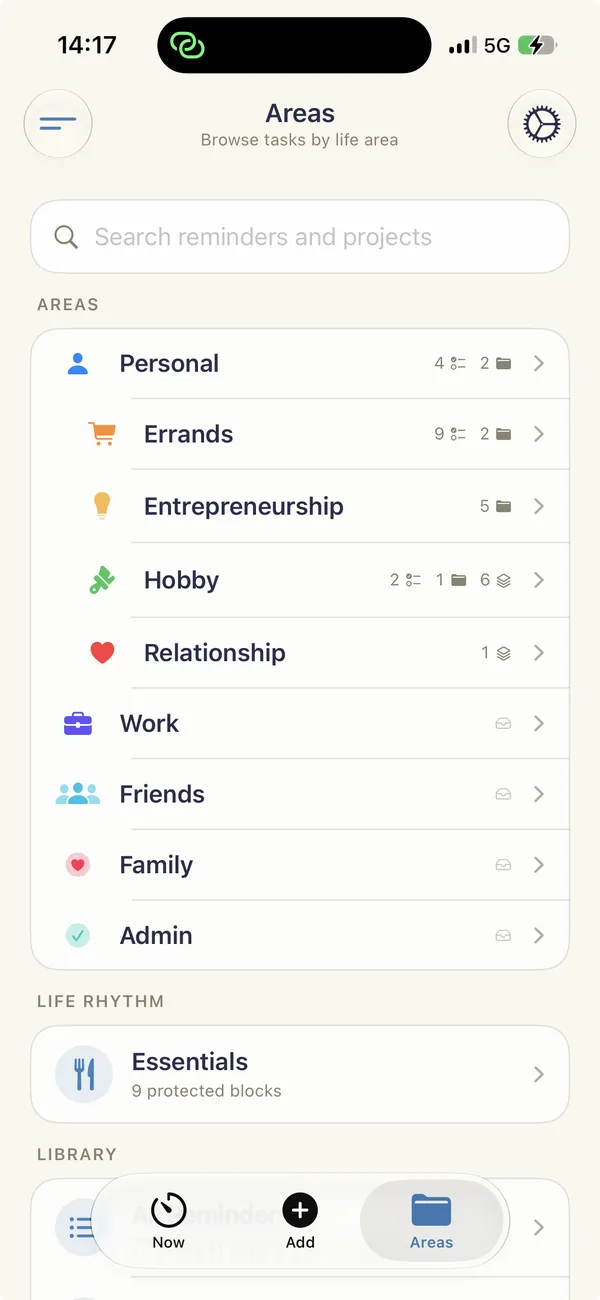
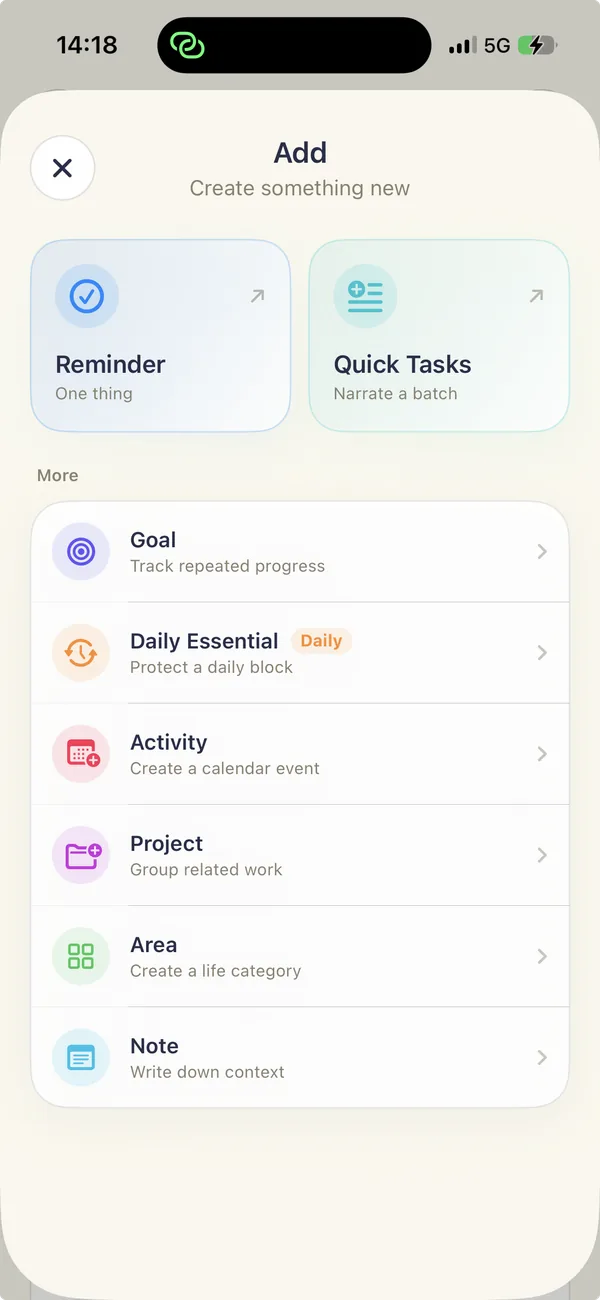
Work and the fun stuff
Life areas such as work, friends, family and hobbies each get their own moments in the week. Everything gets a turn, including the things beyond your to-do list.
Ideas that fit right now
HappyDay looks at the time until your next appointment, the day of the week and the weather, then finds a fitting idea from your own list.
You choose
One suggestion at a time. Start it, or tap 'Not now'. No schedule to stick to and no streaks.
The design
A calm, painted day.
The interface feels like coming home. A painted sky follows the sun and the weather at the top; warm paper below holds one clear suggestion. From dusk onwards, the whole app automatically switches to a night theme.






Wherever you are
One app, six places.
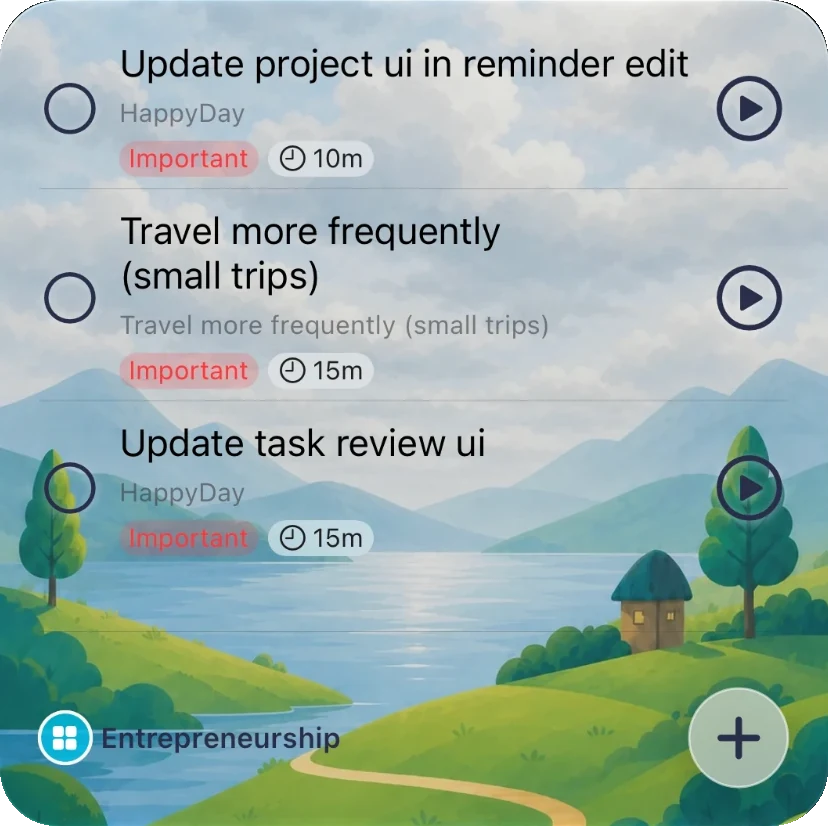
HappyDay is built natively in SwiftUI, with home screen and lock screen widgets, an Apple Watch app and a Mac version. An Android version in Kotlin follows the same rules. During a focus session, HappyDay can block distracting apps using Screen Time.
- SwiftUI
- WidgetKit
- watchOS
- macOS
- Kotlin / Jetpack Compose
- Screen Time
- Supabase sync
Getting the word out
A story people recognise.
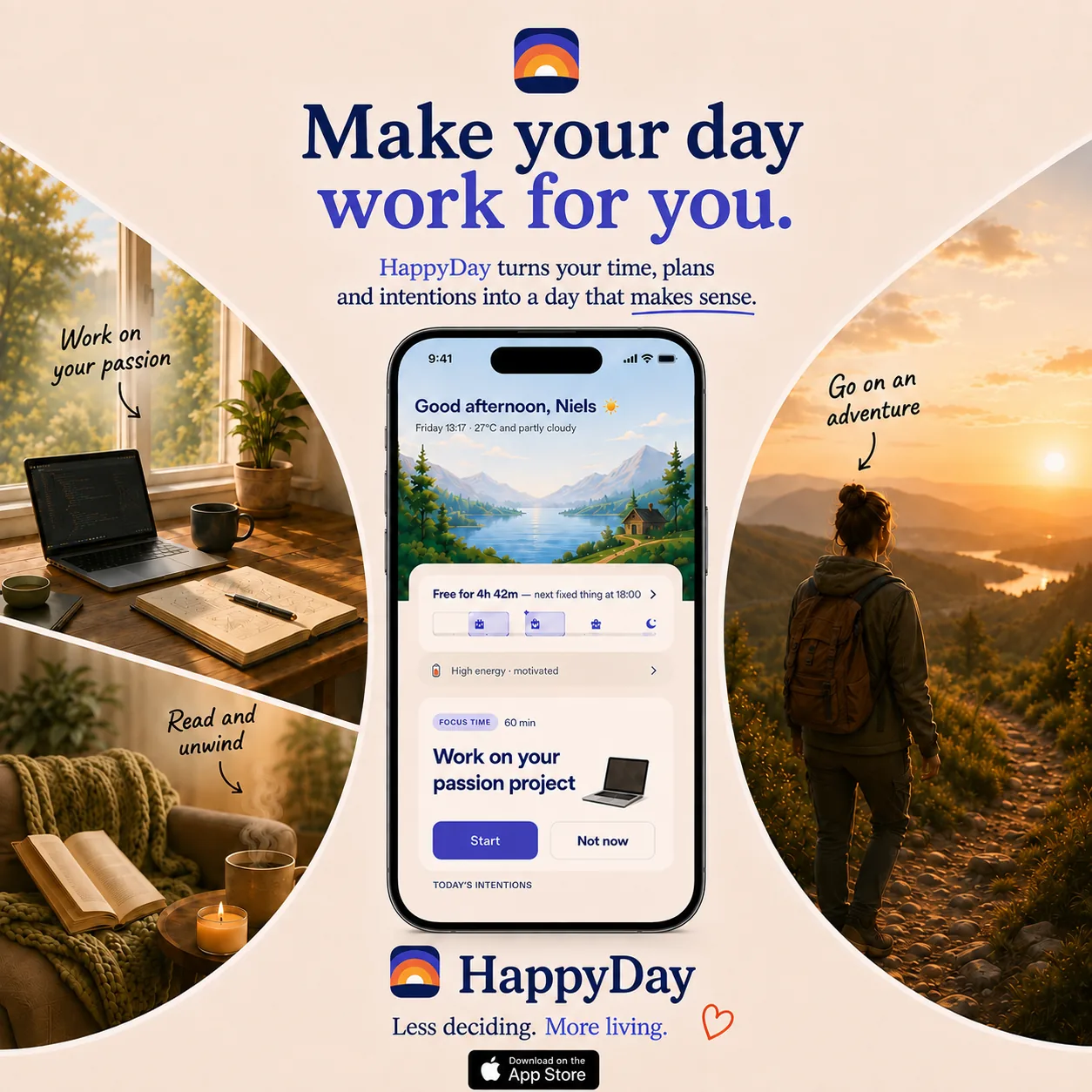
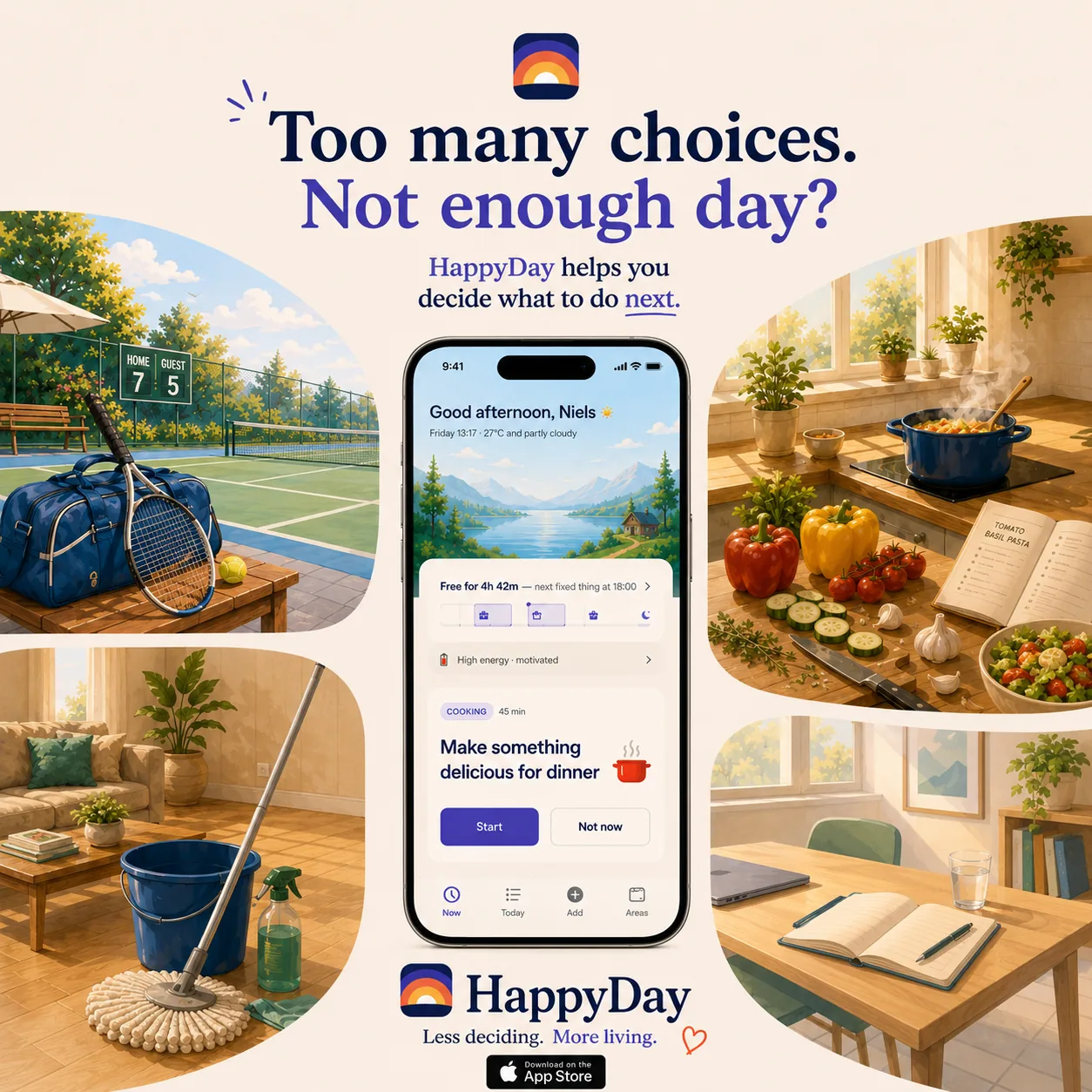
‘Too many choices. Not enough day?’ For the launch, I'm developing posters and short videos for Instagram and TikTok, and testing the message with Apple Ads before committing a larger budget. All in the same warm, painted style as the app.
How it works
Now, ahead and back.
Behind that single suggestion are three parts, each looking at a different point in time. Together, they replace the weekly schedule.
Now: one best next step
Based on your free time until the next appointment, the currently active life area, the time of day and your deadlines, HappyDay selects one suggestion.
Ahead: the Radar
An honest view of your fixed appointments and the free time between them, with a warning when the work no longer fits the time available.
Back: the Mirror
Did your time go towards what mattered to you? One number per life area, and a weekly check on whether the balance still feels right.
Under the hood
A complete iOS app, built natively.
HappyDay is built from the ground up in Swift and SwiftUI, without a no-code or cross-platform layer. It uses the full range of Apple platform features, from widgets and Live Activities to Screen Time and on-device Apple Intelligence.
- lines of Swift across 558 files
- 120k
- unit tests, built automatically with Xcode Cloud
- 617
- targets: iPhone, Watch, Mac, widgets and extensions
- 9
- version on the App Store
- 2.5
Across your iPhone
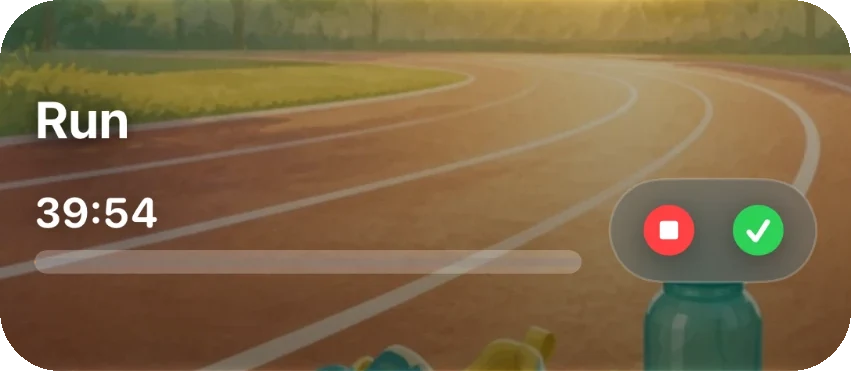
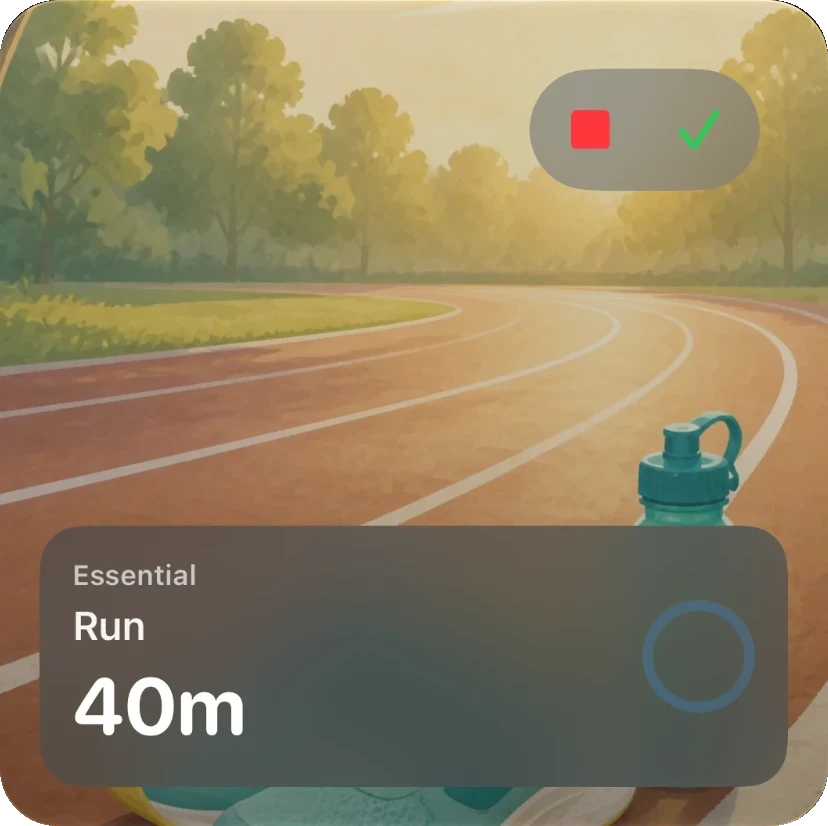
Home screen and lock screen widgets, a Live Activity while an activity is running, and App Intents to control HappyDay through Siri and Shortcuts.
Protecting focus
Using the Screen Time API (Family Controls, Managed Settings and Device Activity), HappyDay blocks distracting apps during focus sessions through dedicated extensions.
Intelligence, on your device
Apple Intelligence runs locally: for the chat in the Now screen, splitting a spoken list into individual tasks, and recognising tasks in a photo.
Data, sync and subscriptions
Core Data for local storage, cross-device sync through Supabase with Sign in with Apple, calendar access through EventKit, and subscriptions through StoreKit 2.
- SwiftUI
- WidgetKit
- ActivityKit
- App Intents
- Family Controls
- Managed Settings
- Device Activity
- Foundation Models
- EventKit
- Core Data
- StoreKit 2
- TipKit
- Swift Charts
- WatchConnectivity
- AlarmKit
- Xcode Cloud
Earlier versions
Five years, four versions.
HappyDay began in 2021 as a side project for half a day a week. Each version built on what the previous one revealed.
2021
Research and Figma prototype
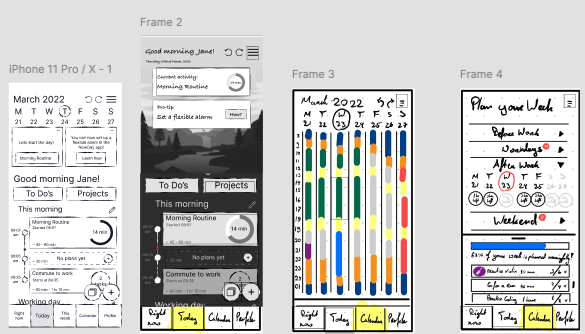
A market analysis revealed a gap between calendar apps and to-do lists. User journeys, wireframes and a clickable Figma prototype followed, which I tested with users.
2024
NewDay: the first app
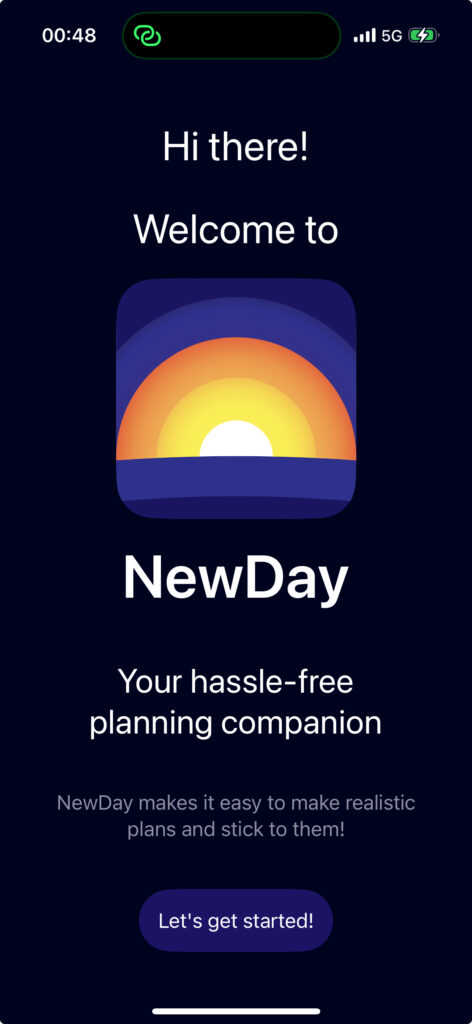
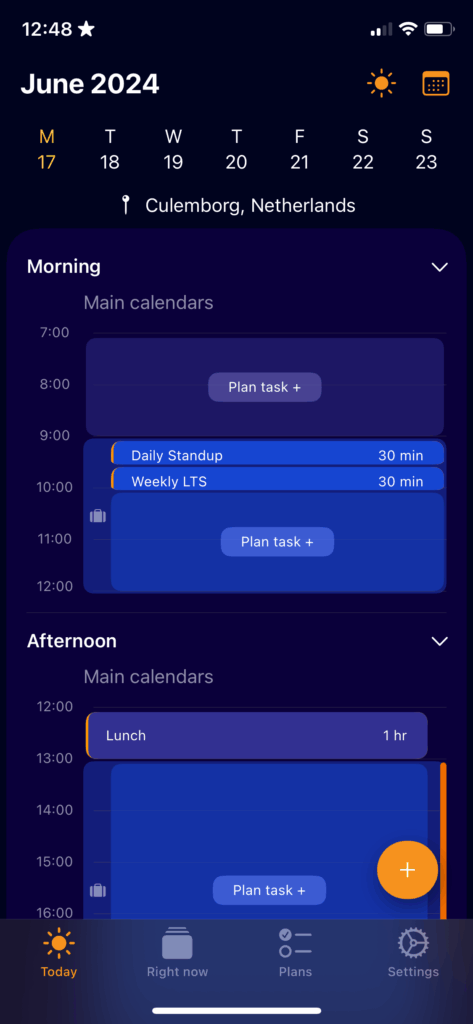
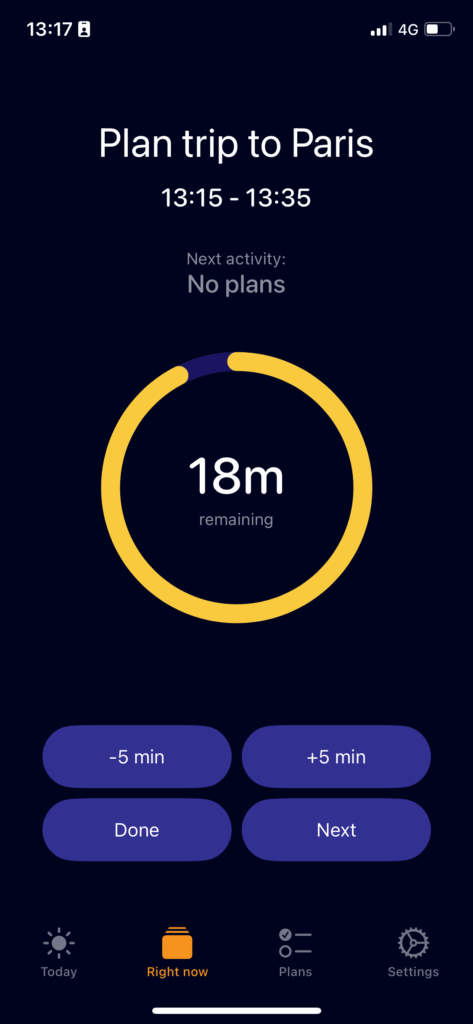
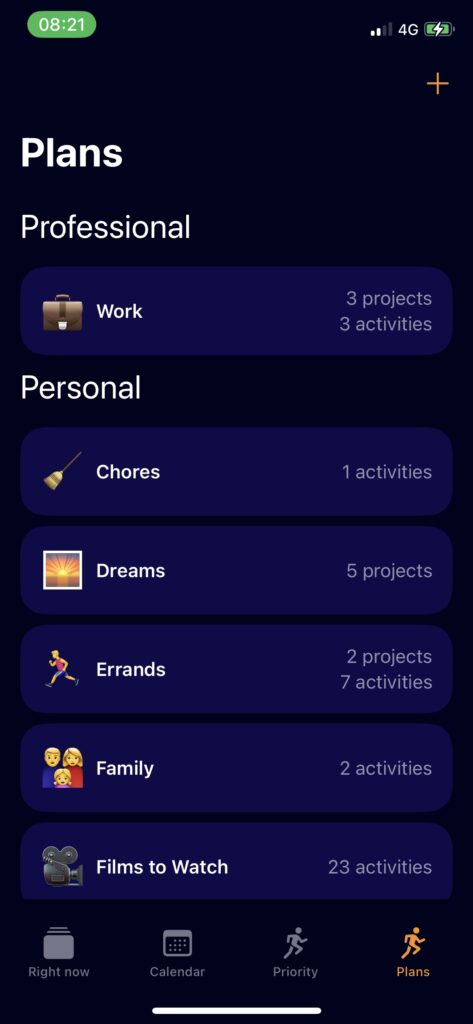
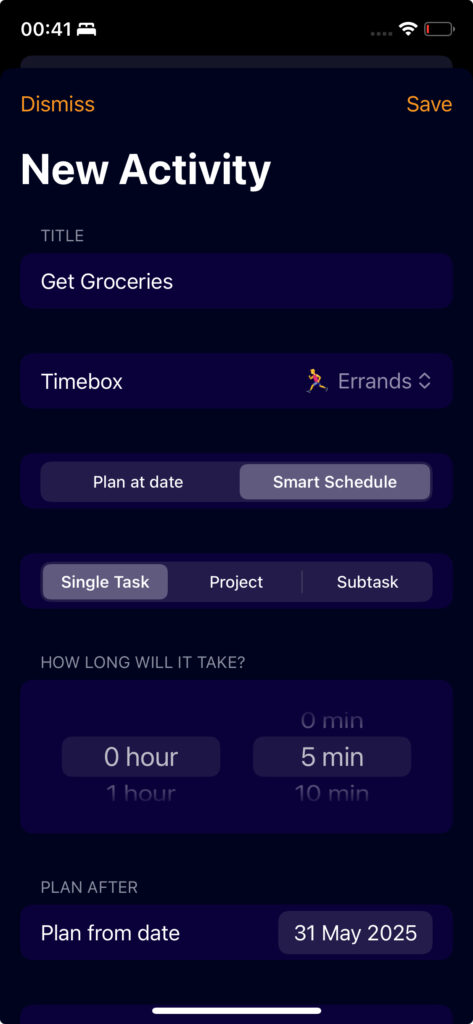
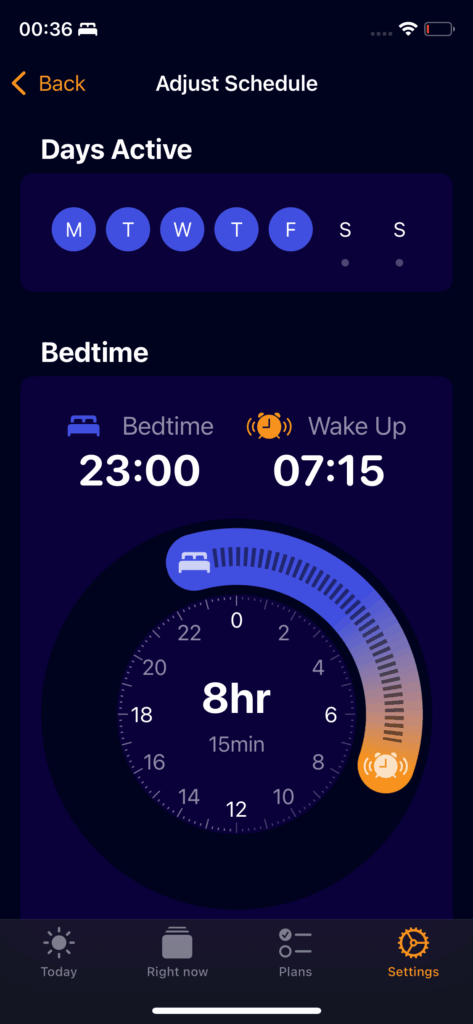
In February 2024, I created the first NewDay test build for testers. A calm, dark app that organised your day: sections around your calendar, time blocks, a focus timer and a regular sleep routine.
2025
NewDay on the App Store
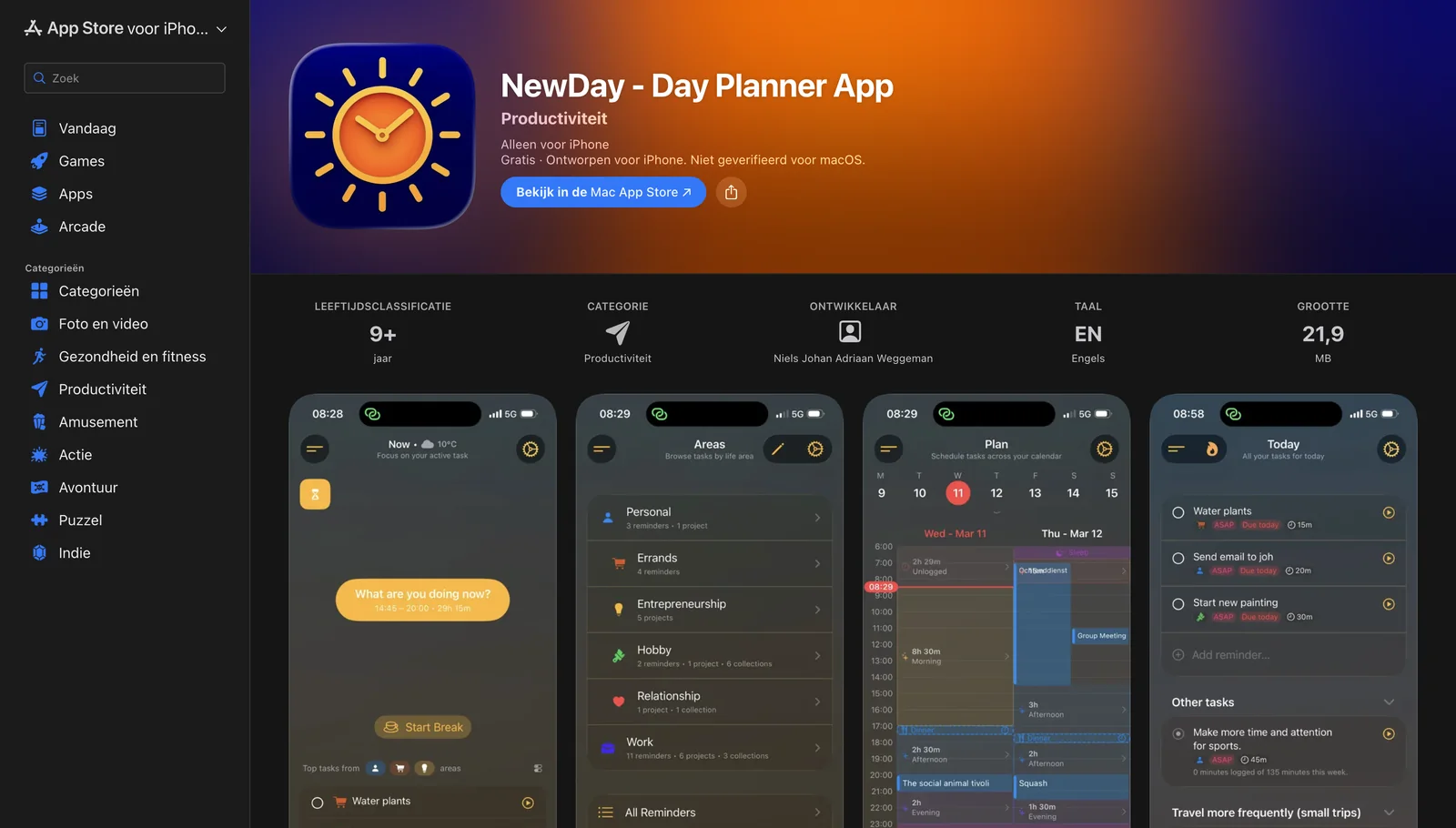
The app launched on the App Store as NewDay - Day Planner App, with a lighter interface and early versions of the Now screen and life areas.
2026
HappyDay: from planning to choosing
NewDay built a realistic daily plan around your calendar, energy and priorities. Testing showed that every plan fell apart at the first unexpected phone call, and a broken plan felt like failure.
So I turned the app around and called it HappyDay. You no longer need to plan: enter what you want to do and HappyDay shows what fits this moment. You choose.
| Prioritising | Planning | |
|---|---|---|
| The question | What matters to me? | Exactly when, in what order, for how long? |
| Effort | Low, you usually already know | High, it takes real thought |
| Shelf life | Months | Hours |
| After an interruption | Still true | Broken |
HappyDay - Day Planner has been on the App Store since March 2026. View the app