Native app & Apple extensions
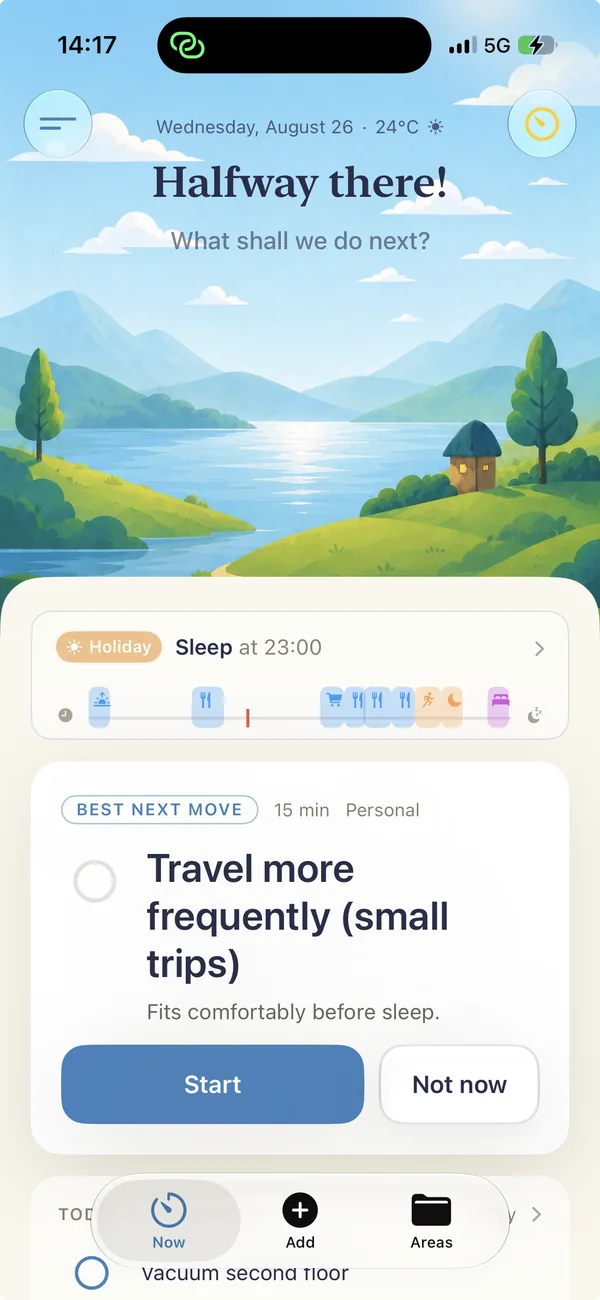
HappyDay
A SwiftUI app with local storage, sync, widgets, Live Activities, a Watch app and Screen Time integrations. From product idea to the App Store and further iterations.
Swift · SwiftUI · iOS
I design and build native iOS apps, from the first interaction to the App Store. My work brings together product thinking, SwiftUI and the wider Apple platform.
Built in practice
From my own consumer apps to a system for a client. These projects show where I have put iOS to work.
Native app & Apple extensions
A SwiftUI app with local storage, sync, widgets, Live Activities, a Watch app and Screen Time integrations. From product idea to the App Store and further iterations.
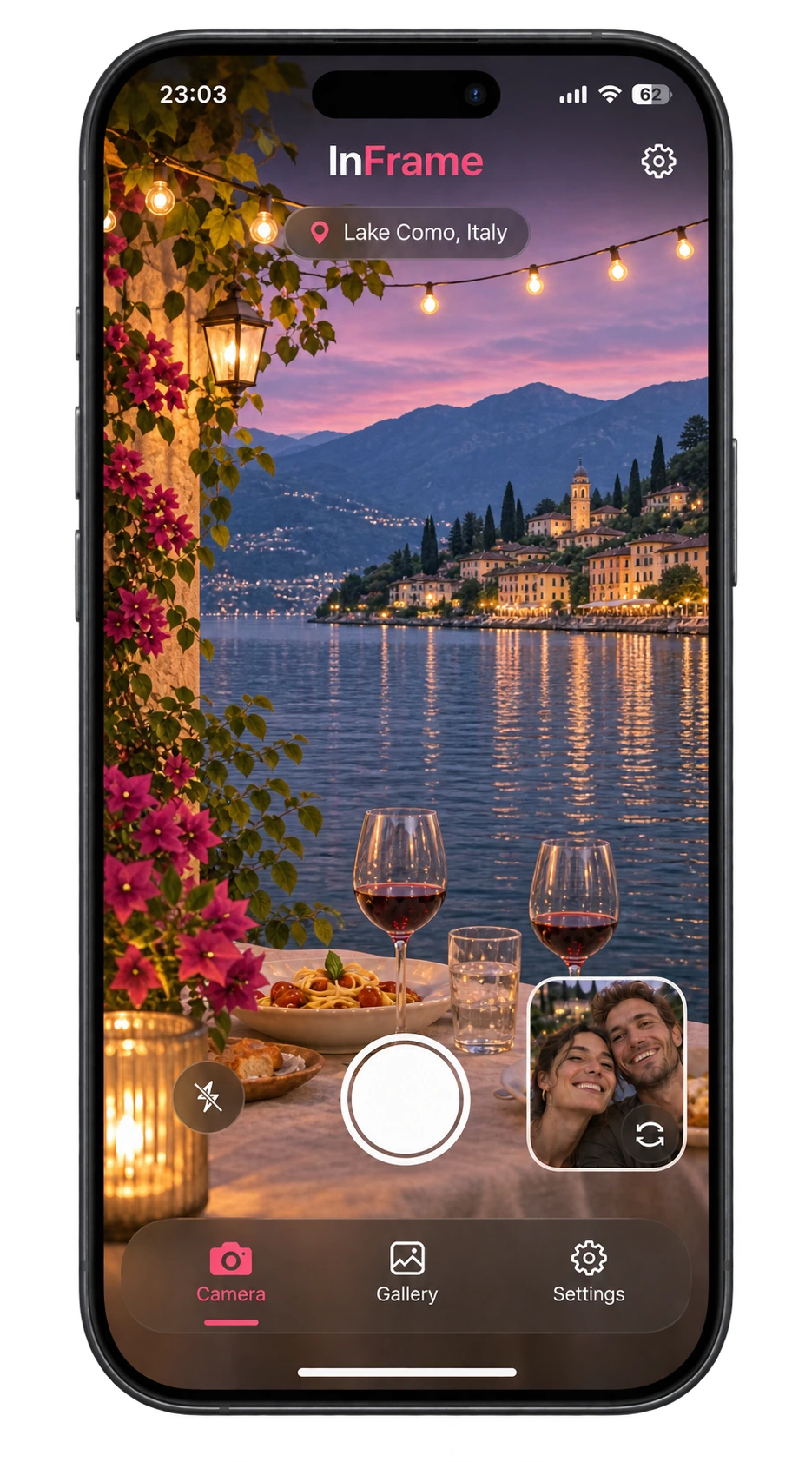
Camera & image processing
An iPhone app that uses the front and rear cameras in sequence and combines the photos on the device. Including photo library access, location, purchases and ad consent.
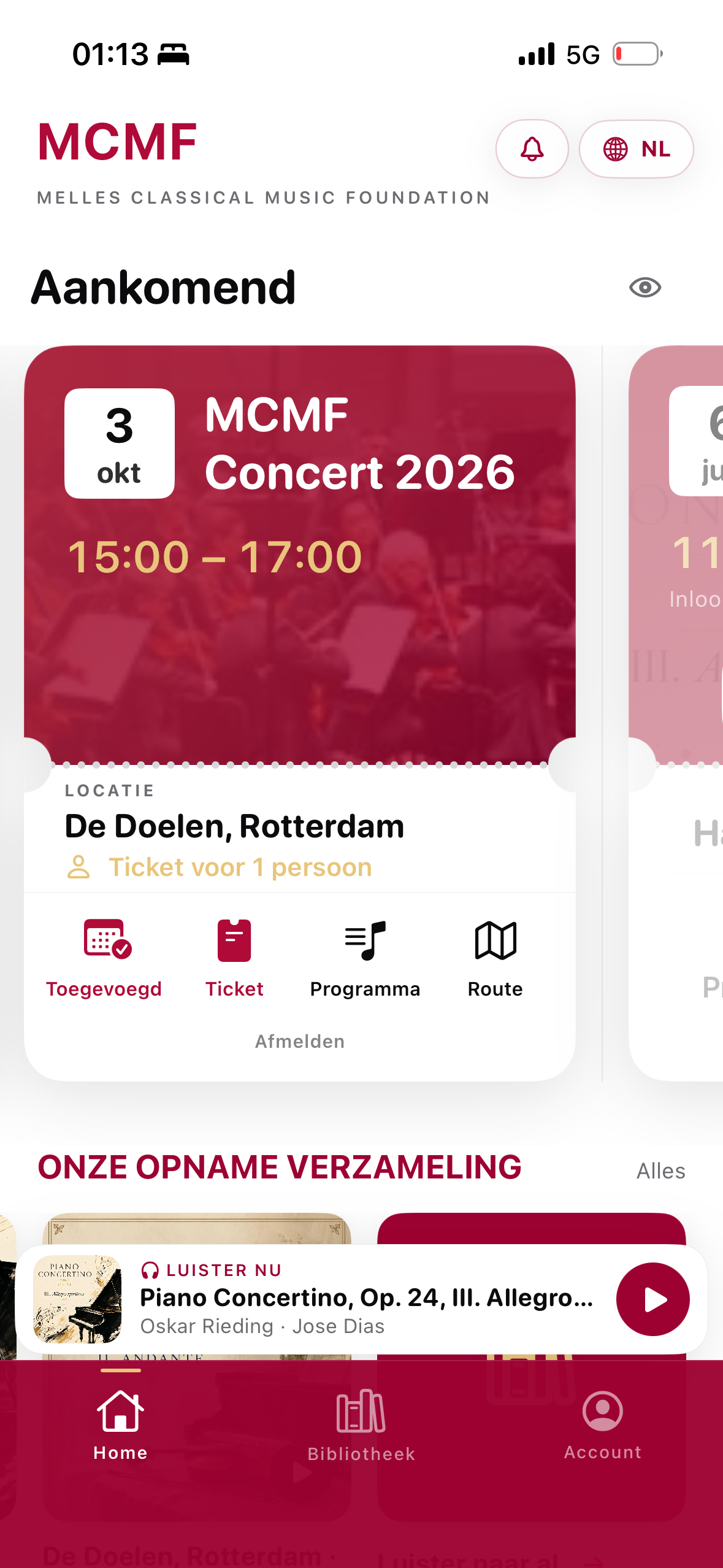
Mobile apps & backend
A client project: visitor apps, a separate iOS scanner app, a management dashboard and backend. Developed through short feedback cycles with the client and users.
My technical experience
Swipe across to compare the projects.
| Area | HappyDay | InFrame | Melles MCMF |
|---|---|---|---|
Interface |
|
|
|
Data |
|
|
|
Apple platform |
| Not used in this project |
|
Camera & media |
|
|
|
Purchases |
|
|
|
Intelligence |
| Not used in this project | Not used in this project |
Other SDKs |
|
|
|
Architecture & Swift
Patterns from HappyDay and MCMF.
Screen state in view models; calculations and decision rules in plain Swift types that can be tested without a view.
HappyDay · NowCalendarModel / NowLoggingWindowInject time, Calendar and UserDefaults so timers and date rules can be tested with controlled inputs.
HappyDay · NowViewModelTestsHappyDay sync runs in an actor. MCMF uses dedicated API clients with async/await and typed models.
HappyDay · SyncEngine / MCMF · APIClientHappyDay shares storage through App Groups and reuses models and stores across iPhone, Apple Watch, Mac and extensions.
HappyDay · SharedStorage / ReminderStoreSwiftUI · Interface
AVFoundation · Product logic
Photos · Photo library
From idea to app
Four steps from my projects. Something to see, try and improve at every stage.
An early flow or prototype gives us something concrete to react to.
HappyDay · early sketches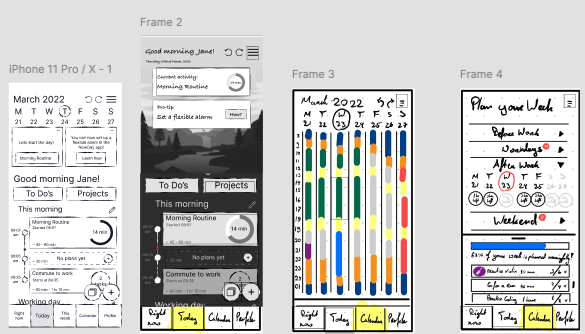
One working flow reveals what the idea needs under the hood.
MCMF · working prototype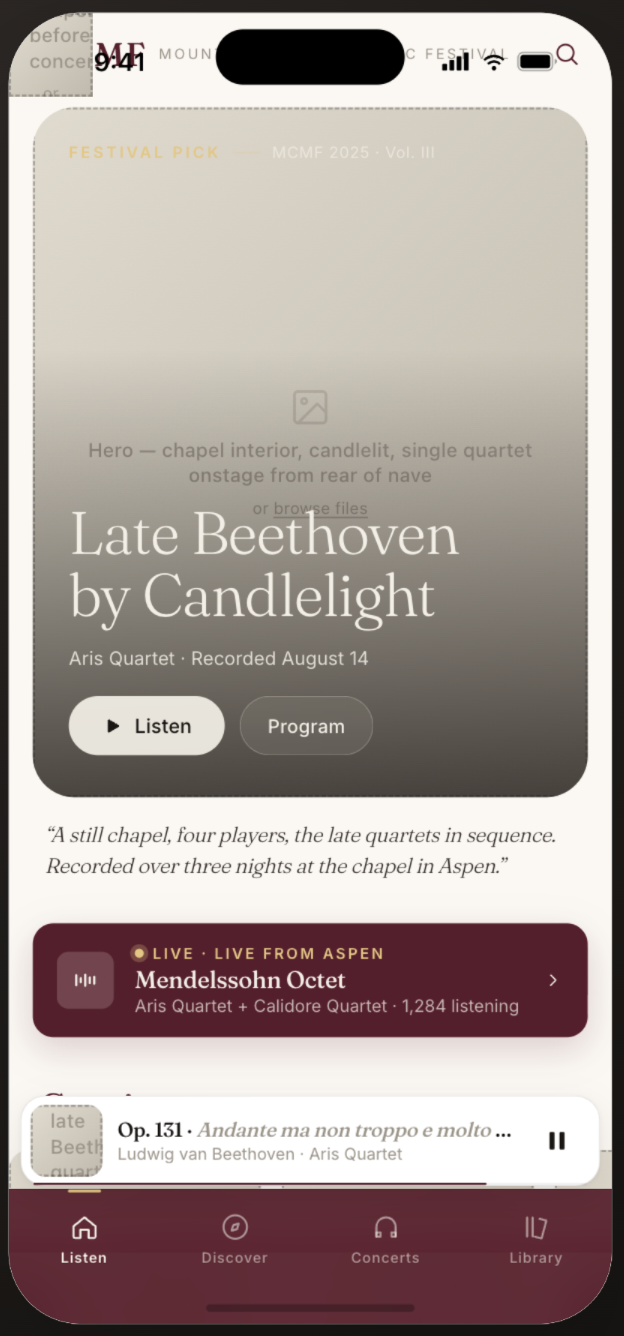
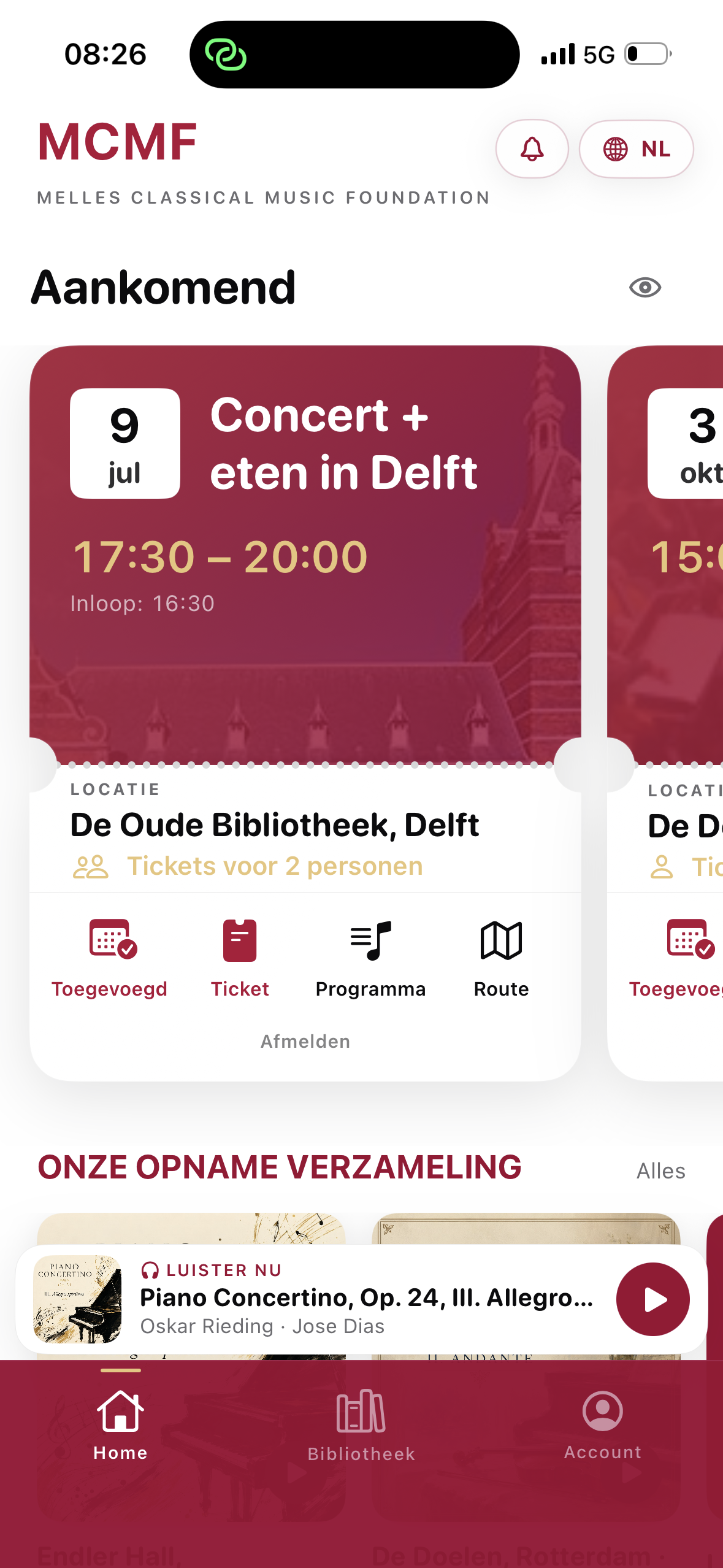
Short feedback rounds with the client and users shape the next version.
MCMF · design iterations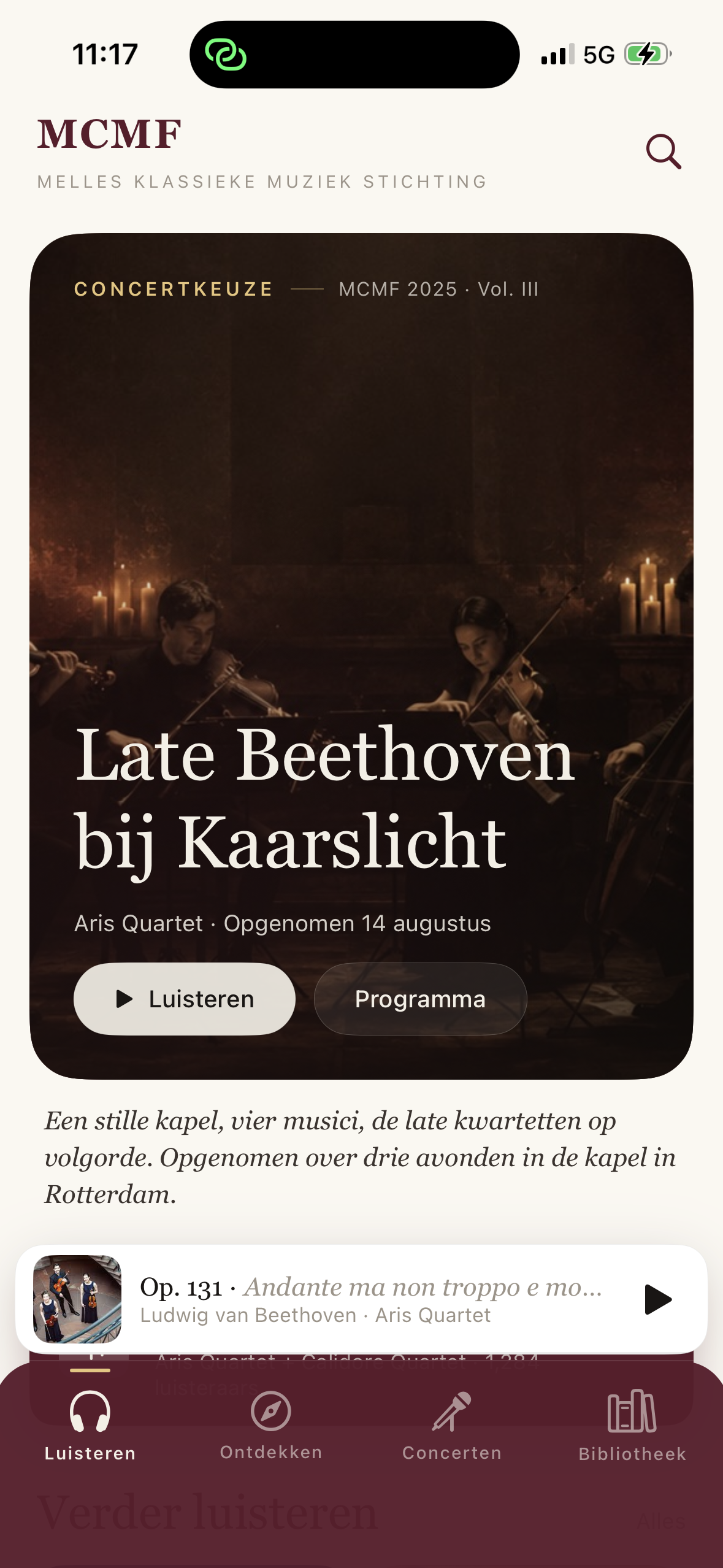
Purchases, permissions and the App Store are part of the finished app.
HappyDay · on the App Store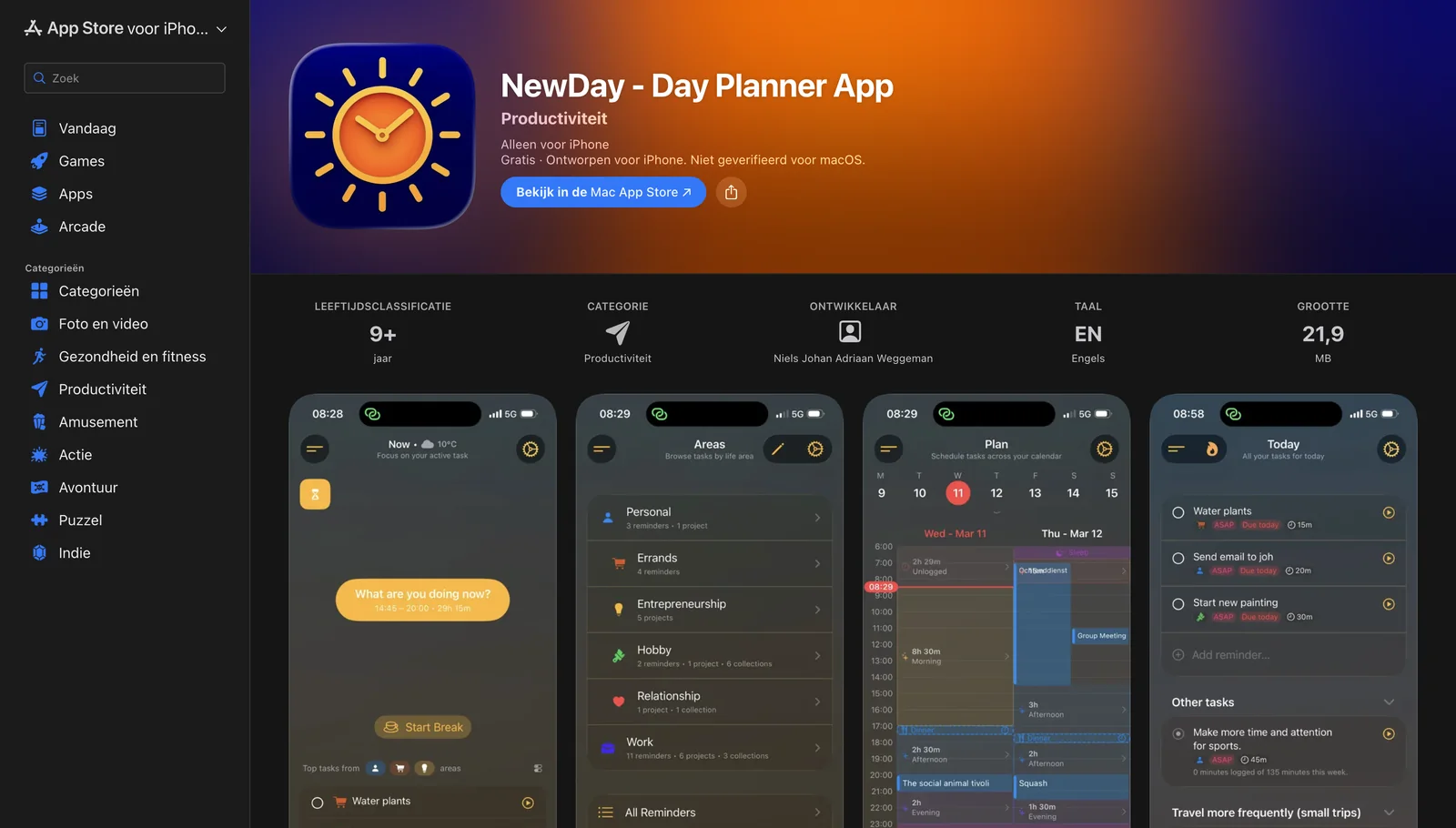
Testing, debugging & release
I combine unit tests, device testing and user feedback. HappyDay includes unit tests and builds through Xcode Cloud; InFrame and HappyDay have been released on the App Store.
Make the issue reproducible, isolate where it occurs, and check the same situation again after the change. This keeps debugging focused.
Being able to check rules and calculations independently of the screen with unit tests.
Including the path where someone declines access to the camera, photos or calendar.
Loading and error handling, reopening the app and returning from the background.
The actual interaction, camera orientation and the behaviour of widgets and extensions.
The product and the engineering behind it
I enjoy working on products where a clear user experience and thoughtful engineering decisions reinforce each other.